


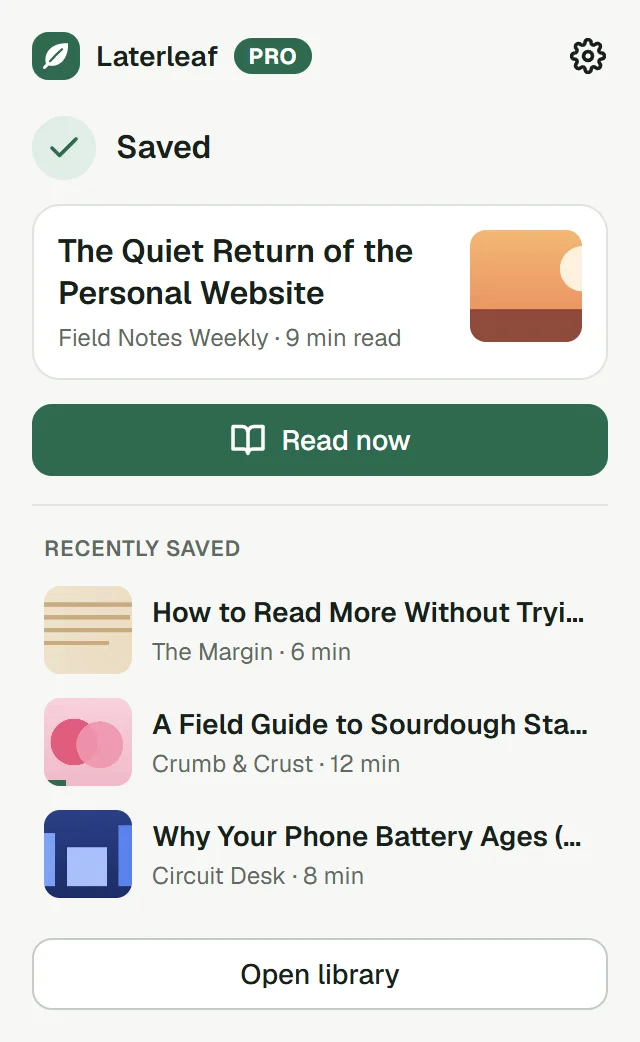
1Save
Click the leaf, press Alt+Shift+S, or right-click a link. The text and images are kept, so the article survives even if the page disappears.
Full-text search and offline copies, freeSearch and offline copies, free
Laterleaf keeps the text and images of every page you save, right in your browser. Search every word, highlight, listen. No account, and no server of ours in between.Laterleaf keeps the text and images of every page you save, right in your browser. Search every word, highlight, listen. No account.
Free, with no limit on articles · English, Español, Deutsch, Français, Português, 日本語
Laterleaf installs in Chrome, Edge or Firefox on a computer. The phone app comes with Pro.
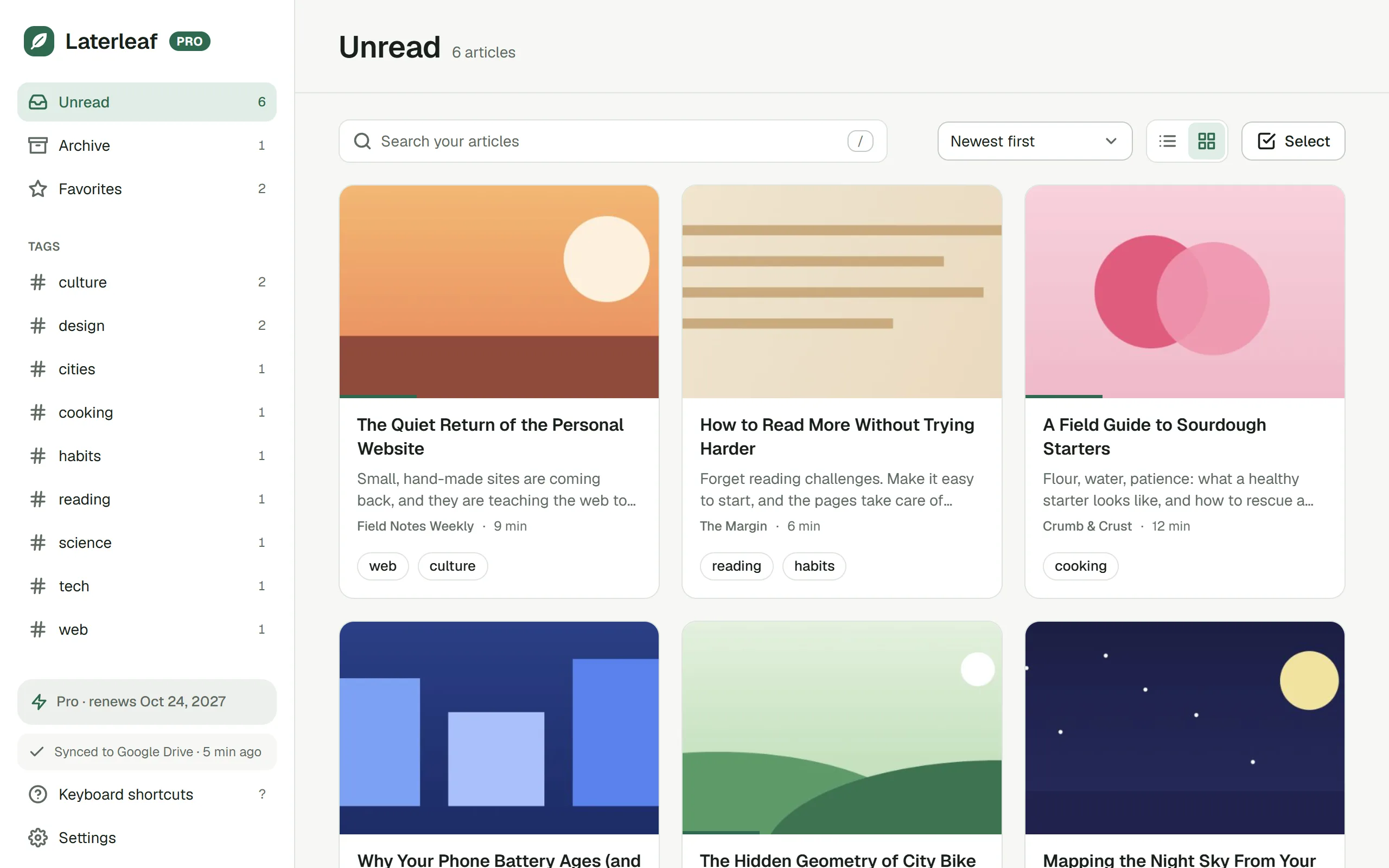
Bring your whole list along. Laterleaf imports the export from Pocket, Instapaper or Raindrop.io, bookmarks from any browser, or any CSV file with a column of links. Tags, favorites and the archive come too, then Laterleaf downloads the text of every article.Bring your list along: Laterleaf imports Pocket, Instapaper, Raindrop.io, browser bookmarks or any CSV of links, then downloads every article’s text.
How it works
Click the leaf, press Alt+Shift+S, or right-click a link. The text and images are kept, so the article survives even if the page disappears.
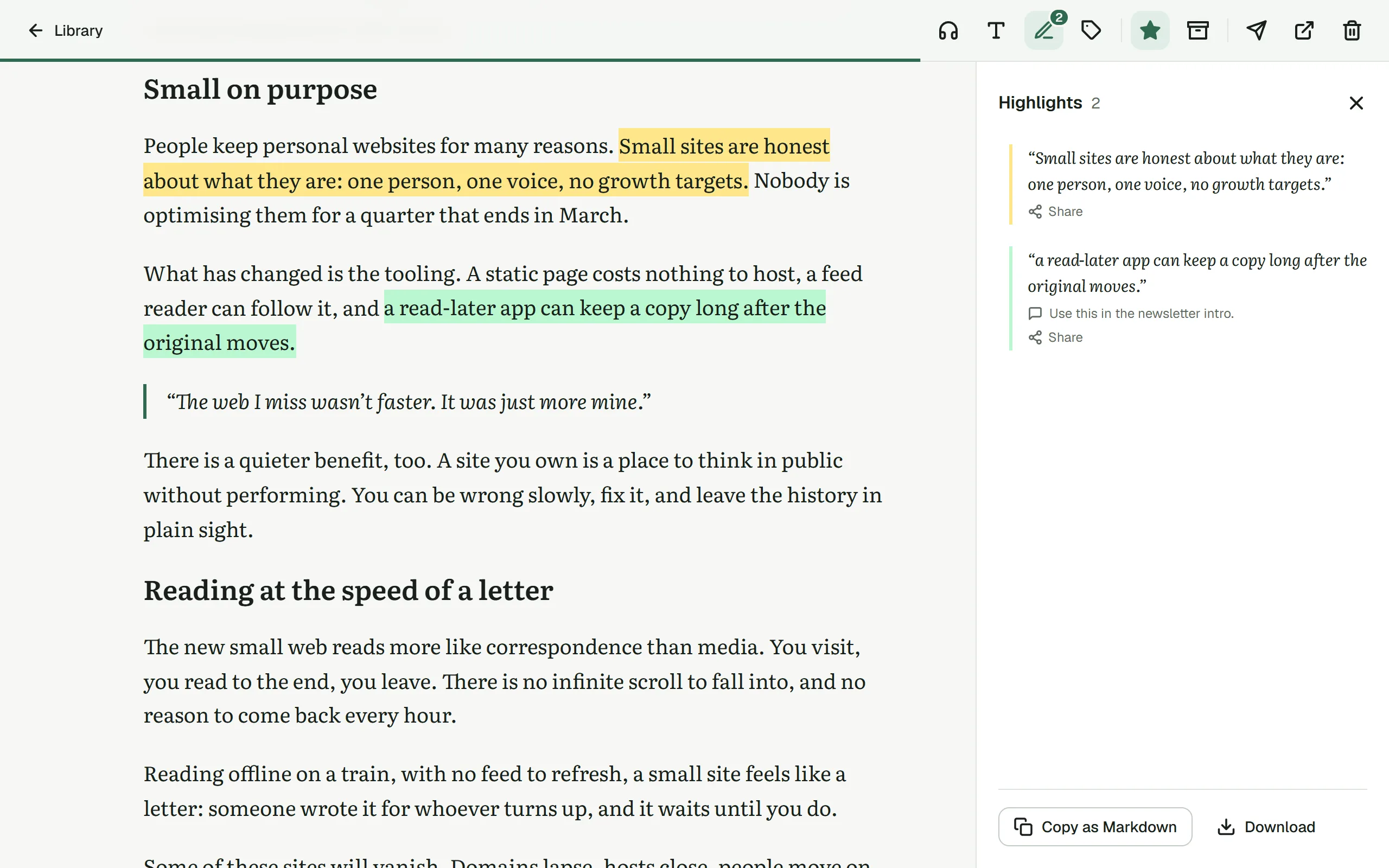
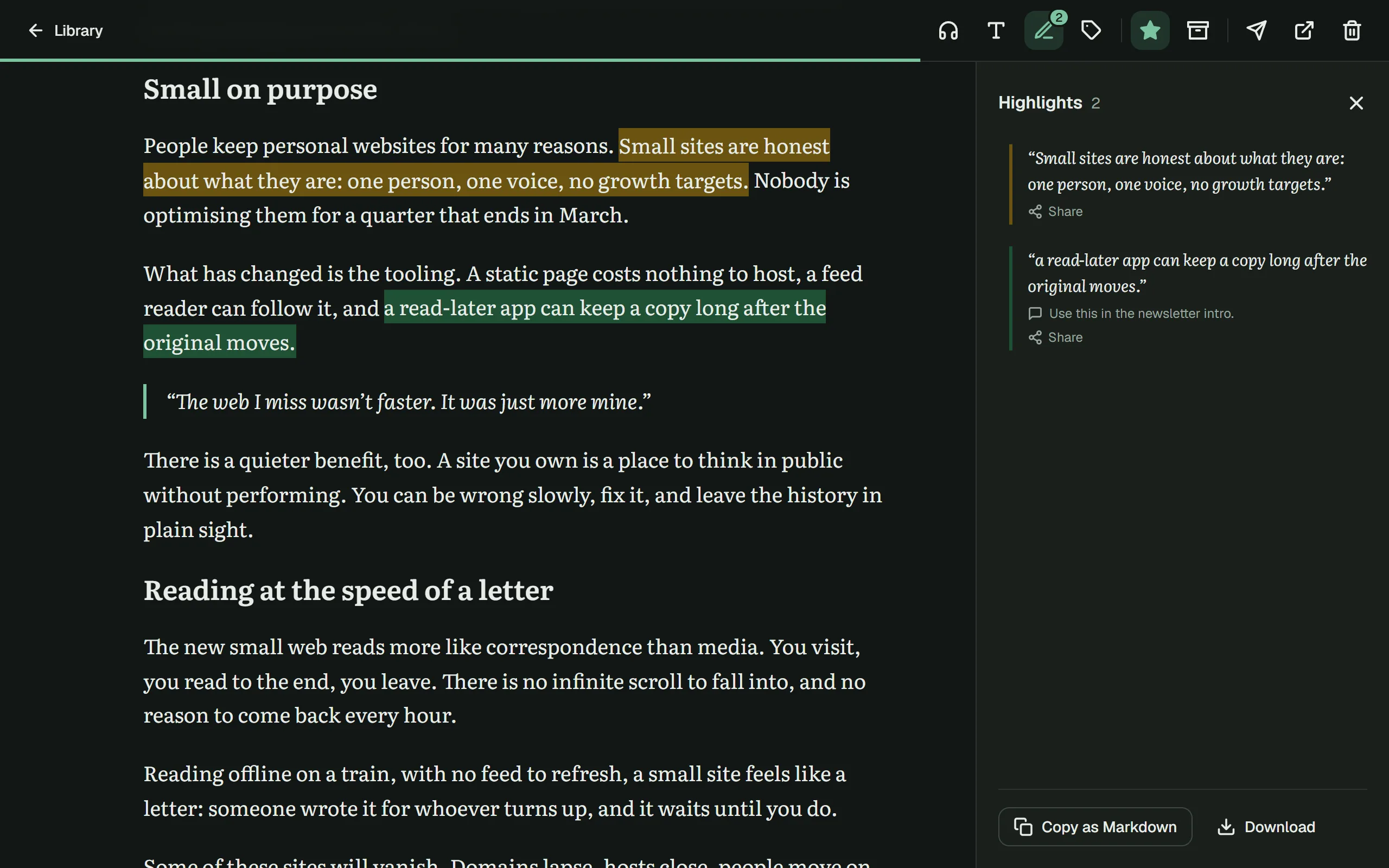
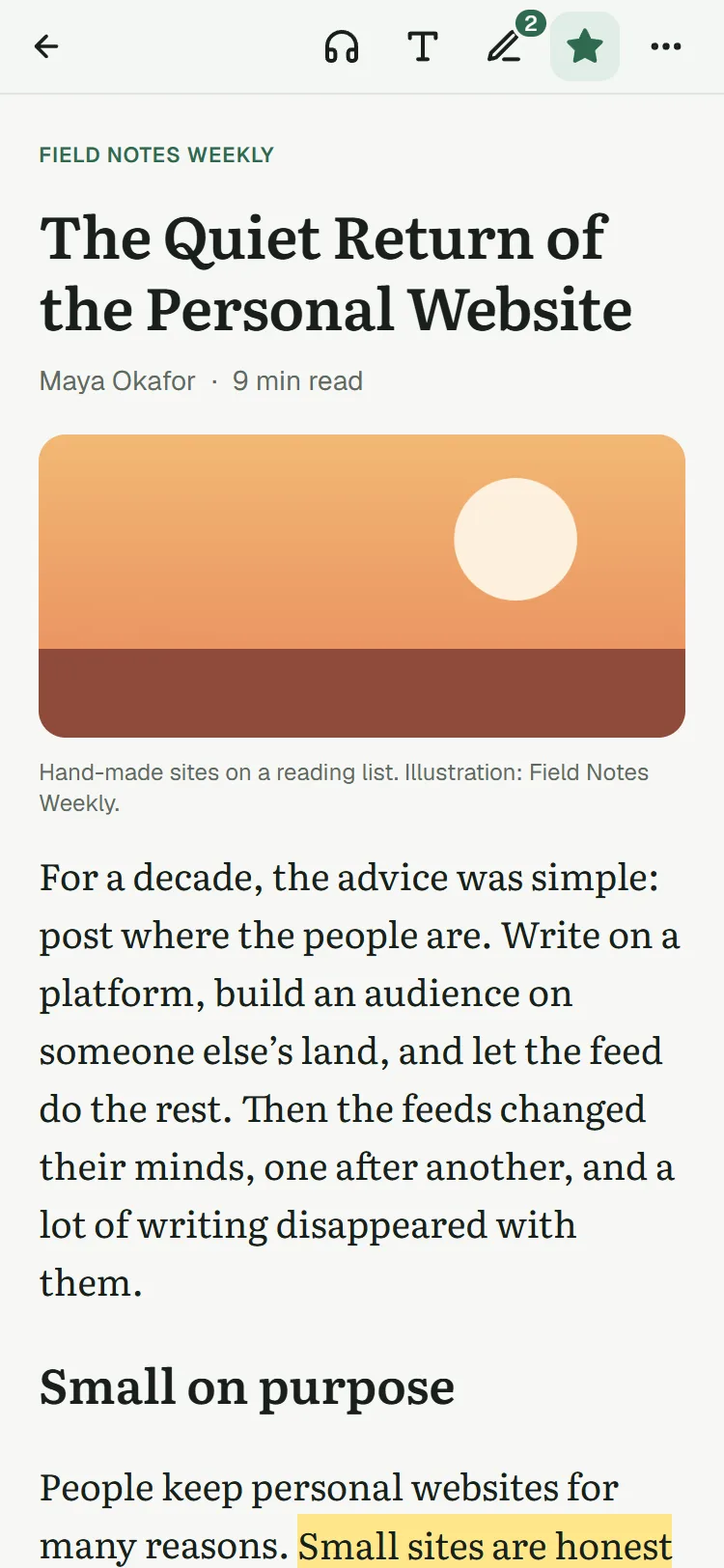
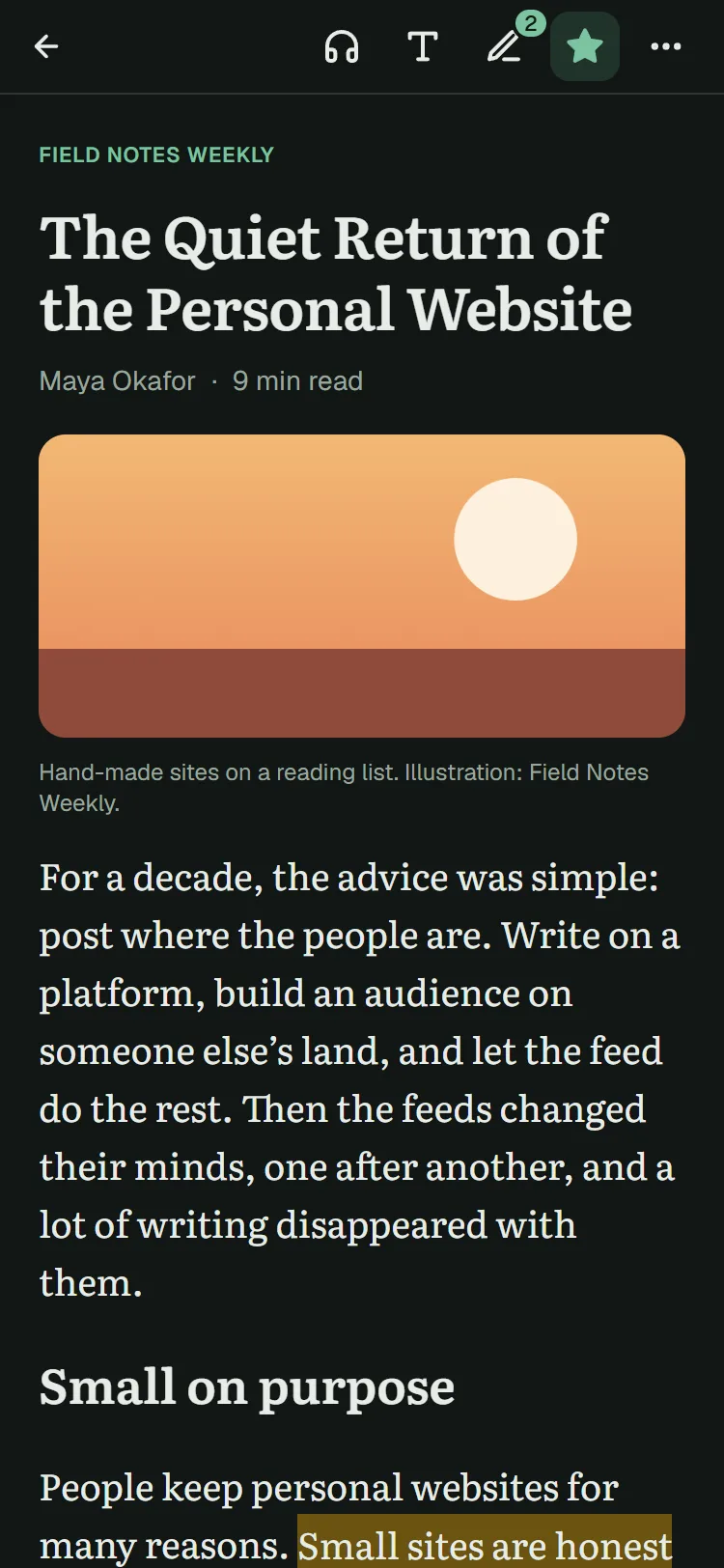
A calm reader in light, sepia or dark. Highlight in four colors, add notes, or let it read aloud.
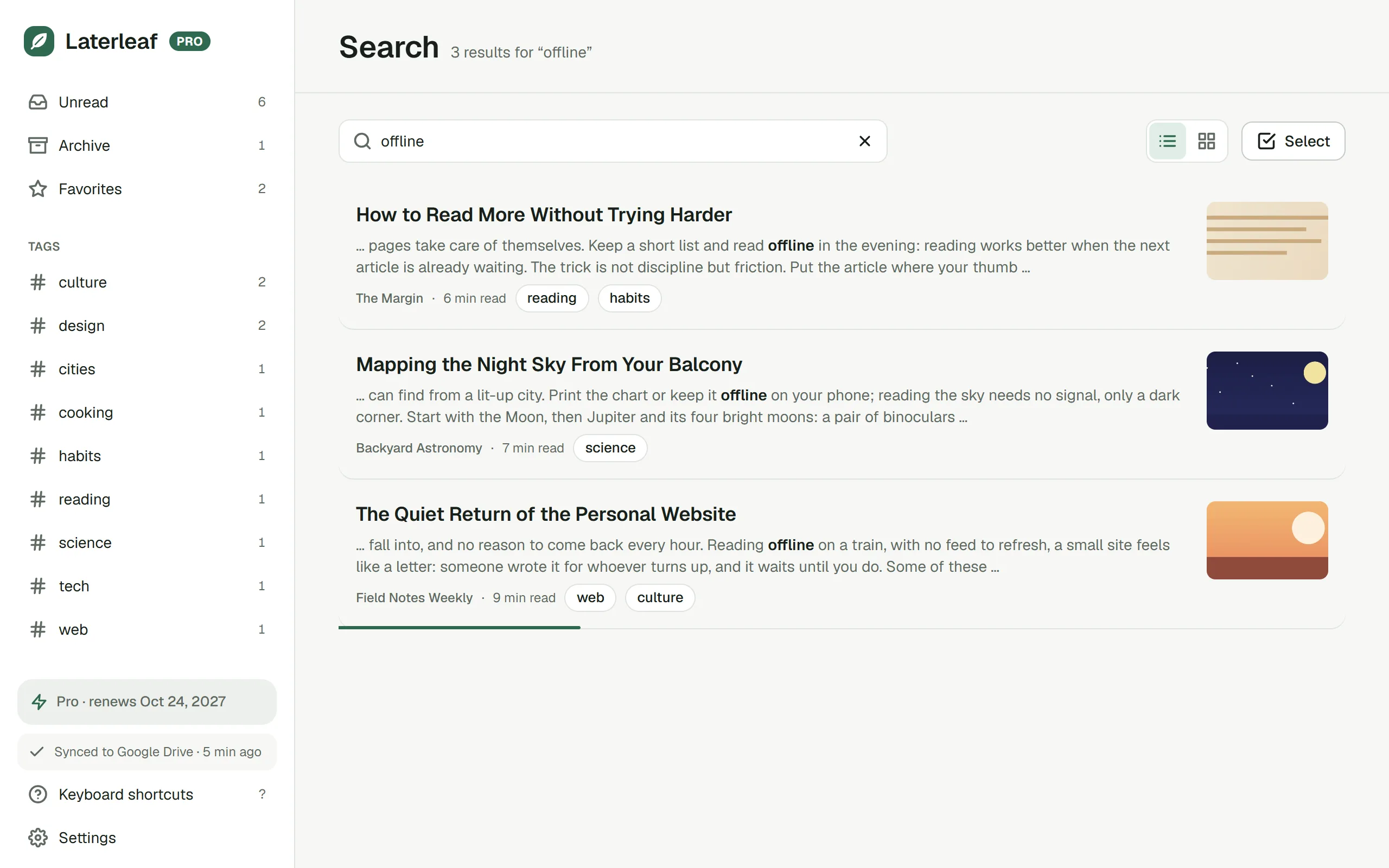
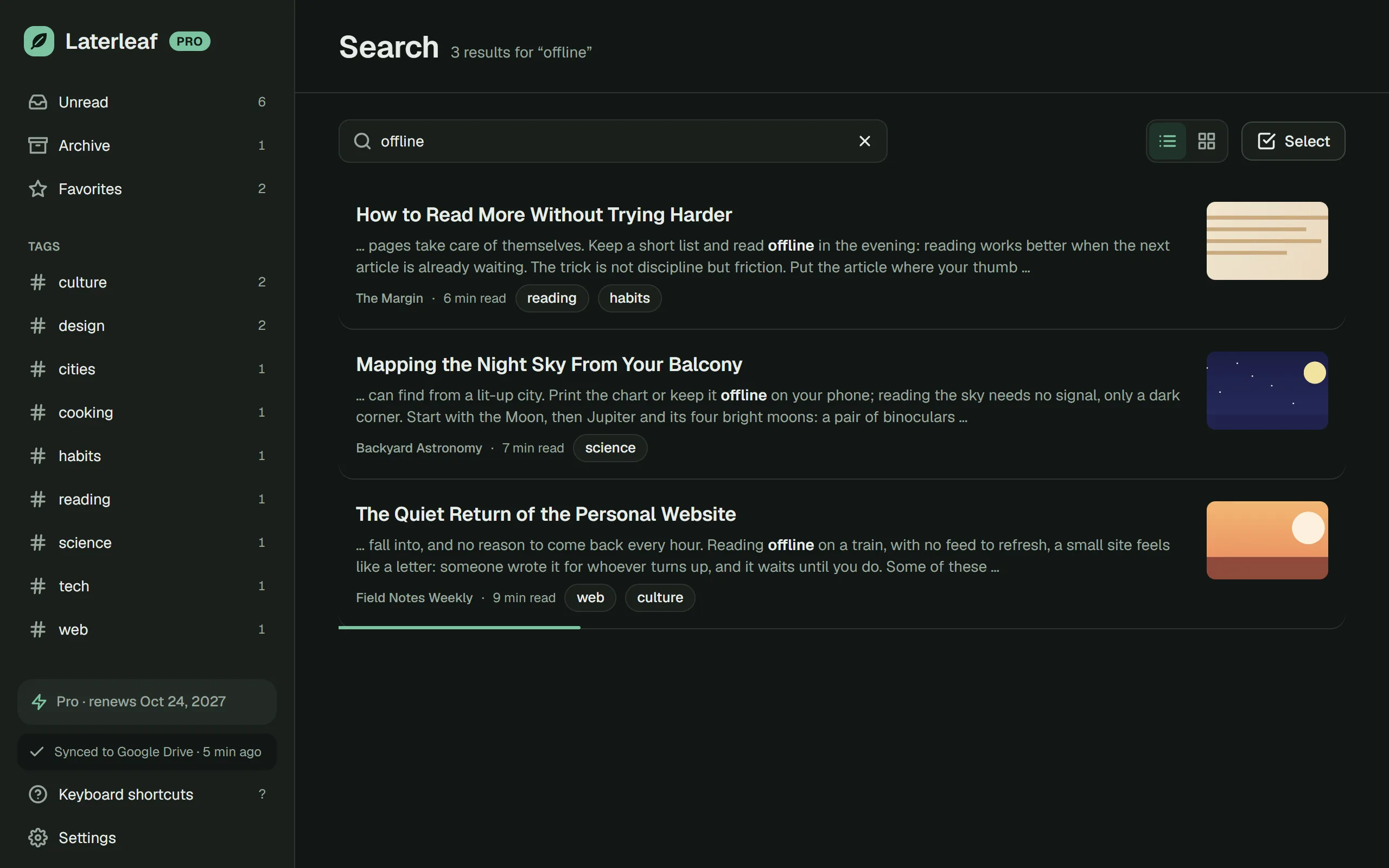
Search every word you ever saved, and see the passage that matches. Tags, favorites and the archive keep the rest in order.
Read
Articles open without ads, pop-ups or tracking scripts, in the type and theme you like.
Listen
Laterleaf reads articles aloud, paragraph by paragraph, at the speed you like, and follows along in the text.
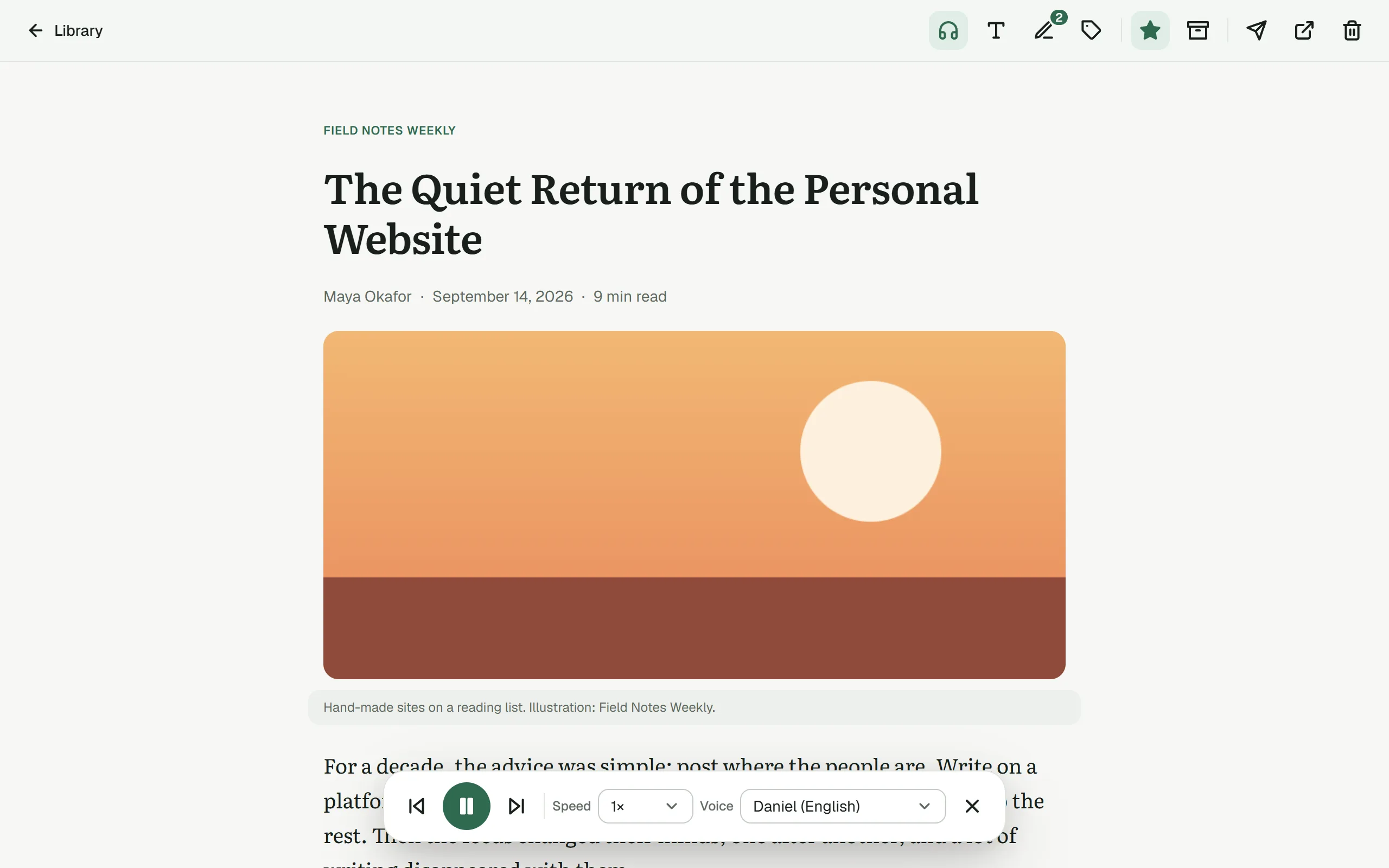
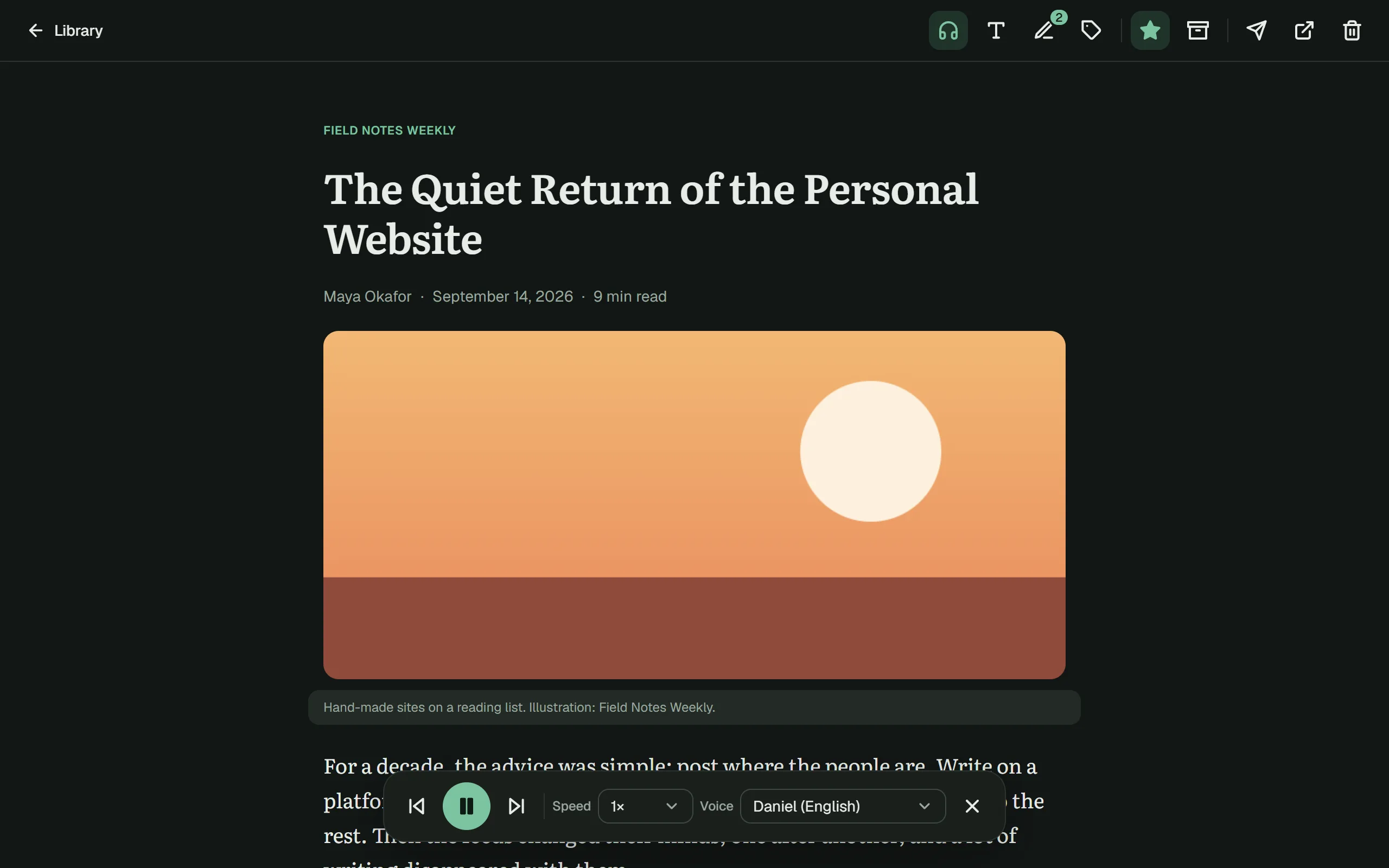
Every device PRO
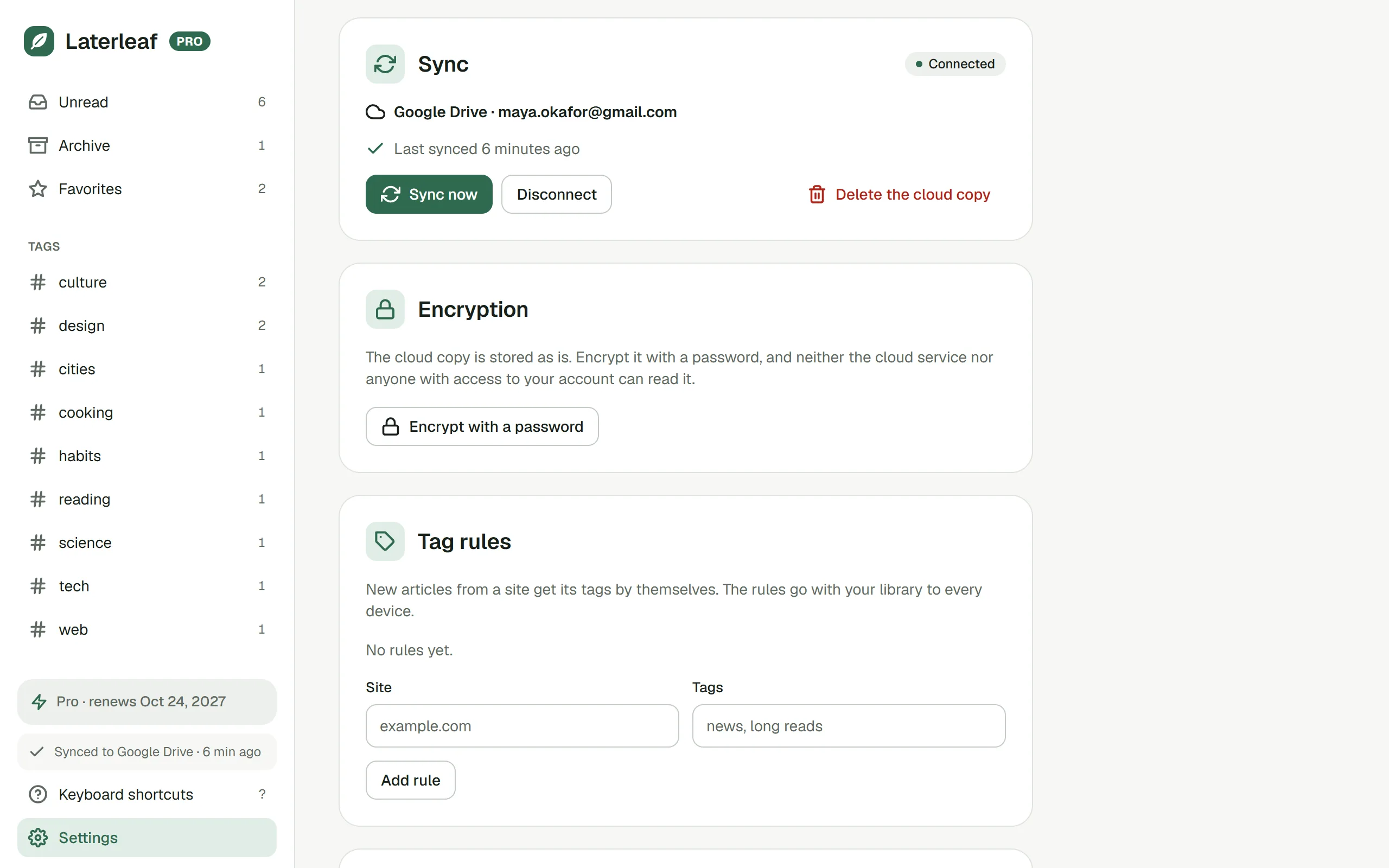
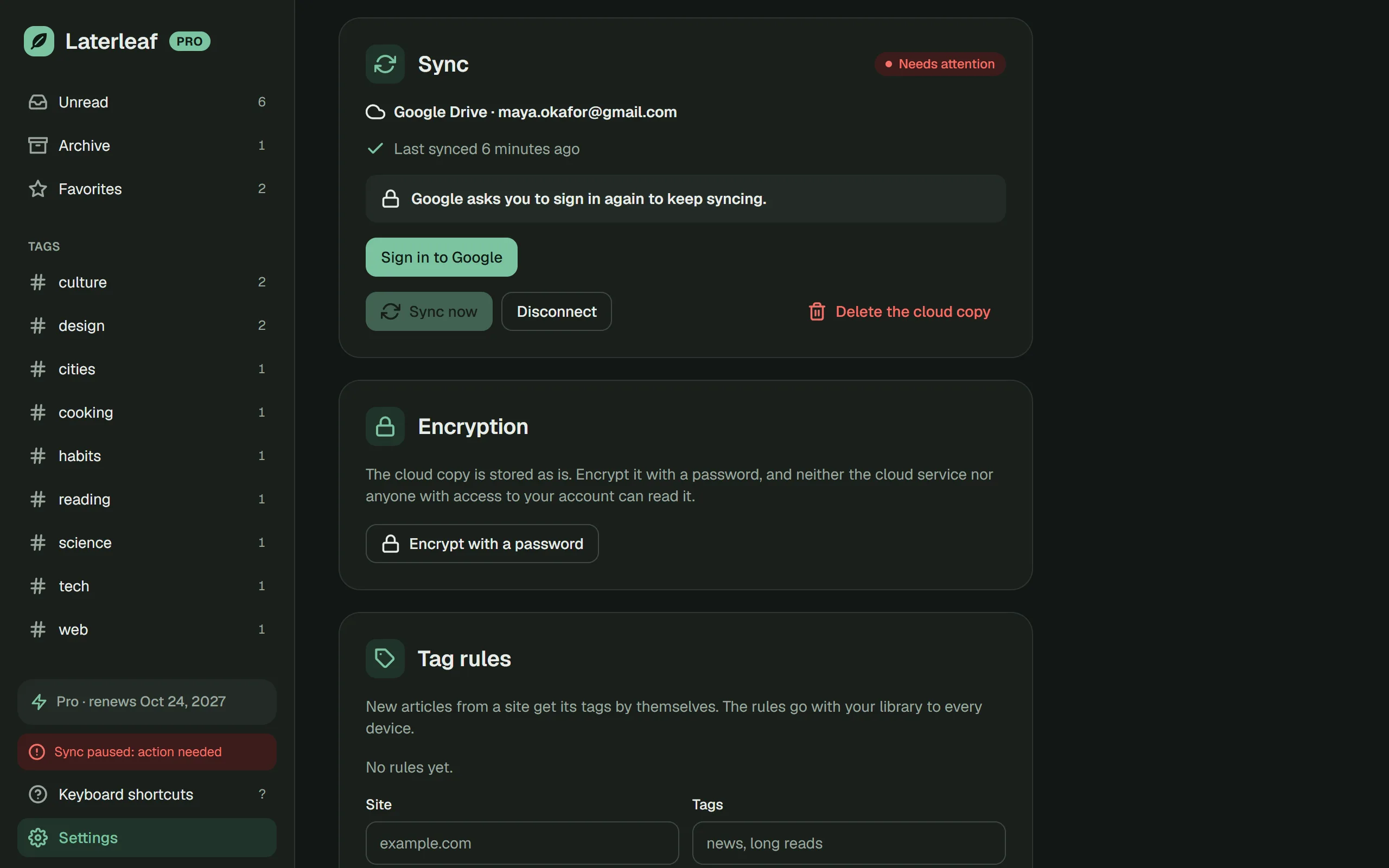
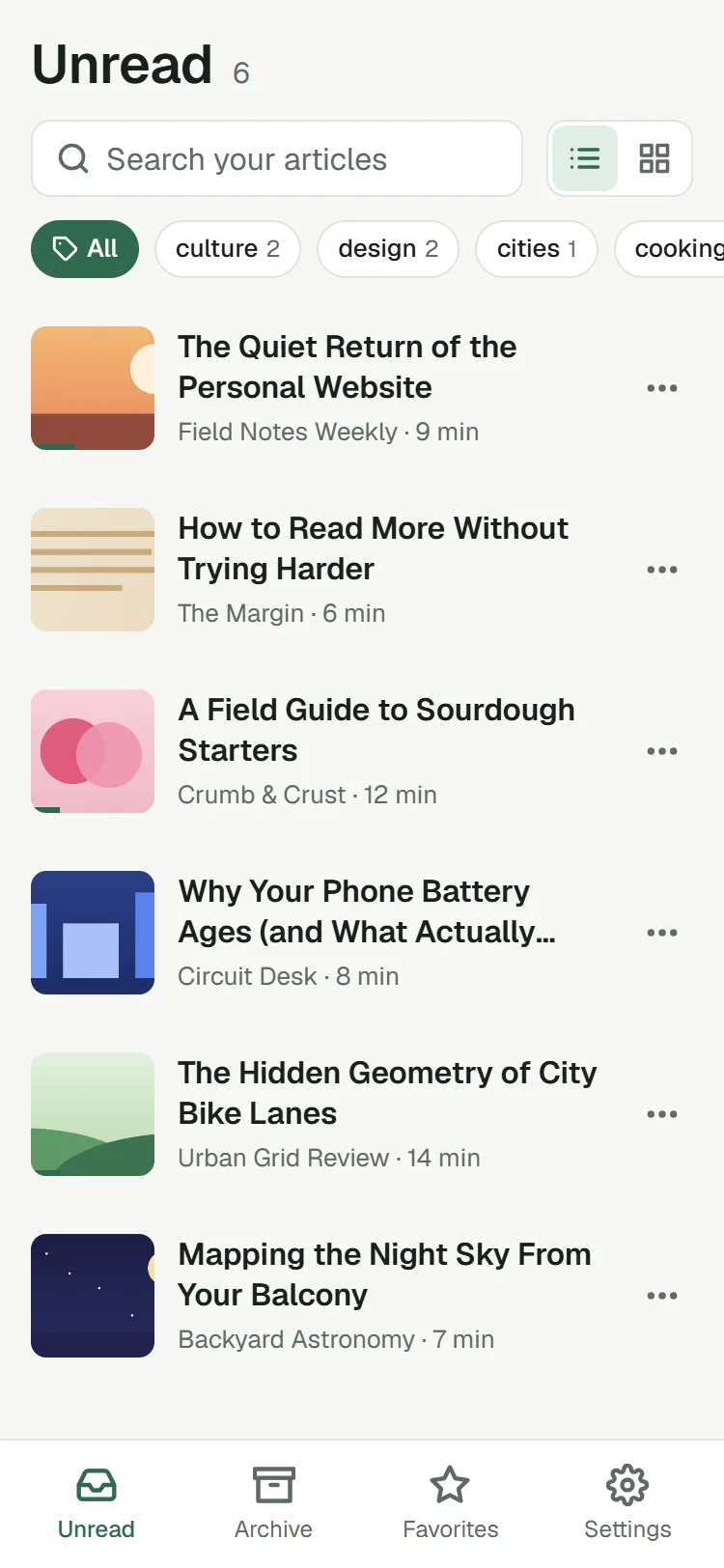
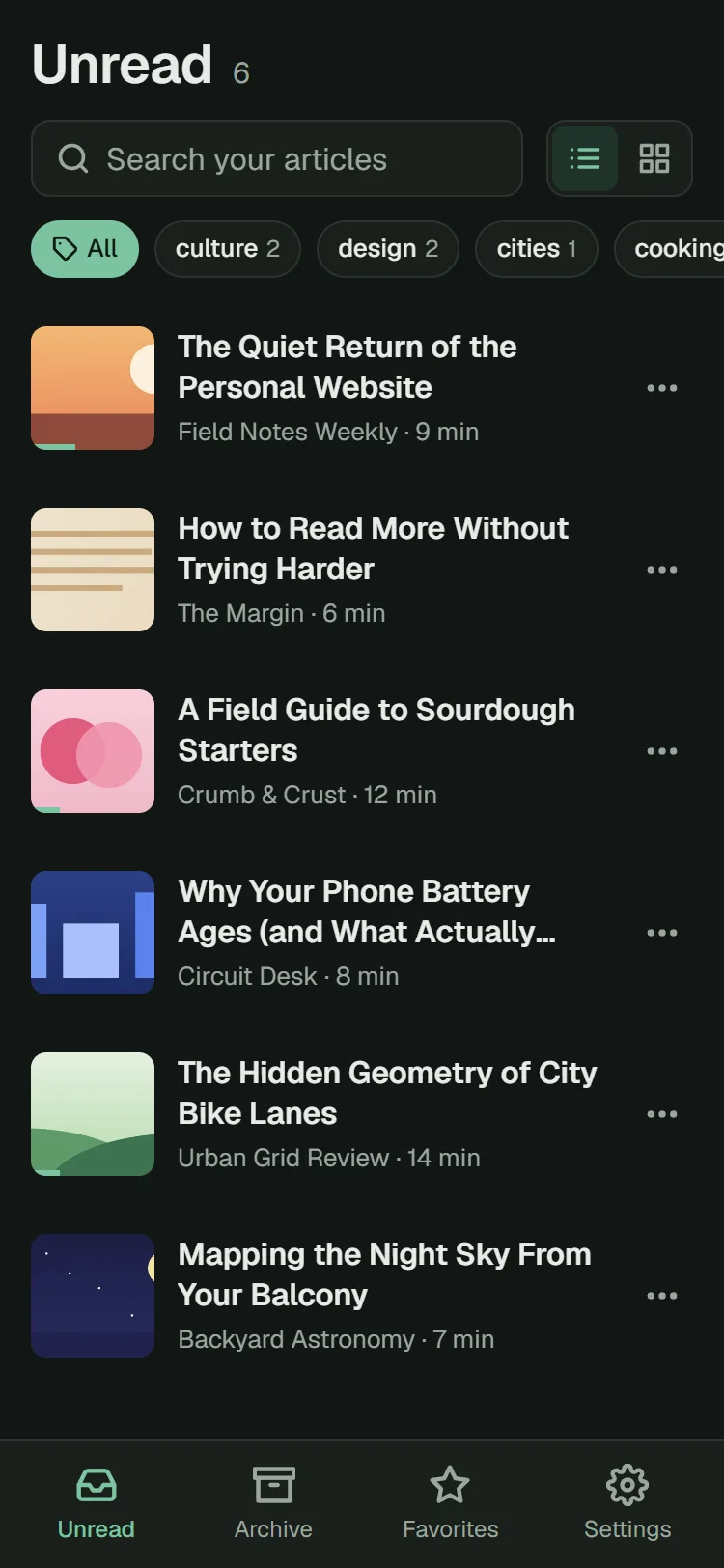
Sync through a cloud you already have. Laterleaf uses only its own folder there, and nothing passes through a server of ours.
Everything else
Everything a read-later app should do, and the things others charge for: full-text search and copies that never expire are free here.
Full-text search across everything you saved, with the matching passage shown. Japanese and Chinese too.
The text and images are kept, so an article stays readable even if the page changes or disappears.
Four colors and notes. Copy every highlight of an article as Markdown in one click.
Pocket (CSV or ZIP), Instapaper, Raindrop.io, browser bookmarks or any CSV of links. The text downloads by itself.
Export everything to one ZIP: a full backup, Markdown, web pages and your links as bookmarks.
Sort by date or length, act on many articles at once, and let finished ones archive themselves.
Save with Alt+Shift+S. Move around the library and the reader without the mouse: press ? to see how.
A web app reads your synced library offline and saves links from the share menu on Android. Pro.
Time spent reading this week and this month, and your streak. Pro.
Privacy
No sign-up, no analytics, no ads. Laterleaf reads a page only when you ask it to save that page.
Articles live in your browser. With sync they go only to your own Google Drive, Dropbox or WebDAV, never through a server of ours.
Encrypt the cloud copy, so that not even your cloud provider can read it.
Pricing
Pro belongs to your library, not to an account. Try it free for 14 days, no card needed.
$0forever, in one browser
Everything in Free, and:
Pro belongs to your library, so it starts inside Laterleaf. Add Laterleaf to your browser first: it’s free, and the 14-day trial needs no card.
Already installed? Click the leaf in your toolbar, then Settings → Plan.
Pro starts inside Laterleaf, on your computer. Already have Pro? Open the phone app and connect the same cloud.
Laterleaf installs in Chrome, Edge or Firefox.
Yes. Saving, reading, search, highlights, listening with your device’s voices, import and export are free, with no limit on articles. Pro adds sync between devices, the phone app and natural voices.
They stay where they are: in your browser and, if you sync, in your own cloud. You can export everything to Markdown and web pages at any time.
Export your list from the old app: Pocket gives a CSV or a ZIP, Instapaper a CSV, Raindrop.io a CSV or HTML file, and every browser can export its bookmarks as HTML. Then open Laterleaf → Settings → Import and choose the file just as it downloaded. Your links come in with their tags, favorites and archive where the file has them, and Laterleaf downloads each article’s text.
With Pro, yes: open the Laterleaf web app on your phone and add it to the home screen. Your synced library is there, offline too, and on Android you can save links from the share menu.
No. Your articles never pass through a server of ours. With Pro, Laterleaf checks your plan once a day and sends only a random number that names your library.
Nothing is deleted. Your library stays on every device, readable and exportable; sync pauses and natural voices turn off until you renew.
Free, no account, a minute to set up. Bring your saved list along.